
 Kontakt
 Kako kupovati
Dostava
Savjetnik za kupnju
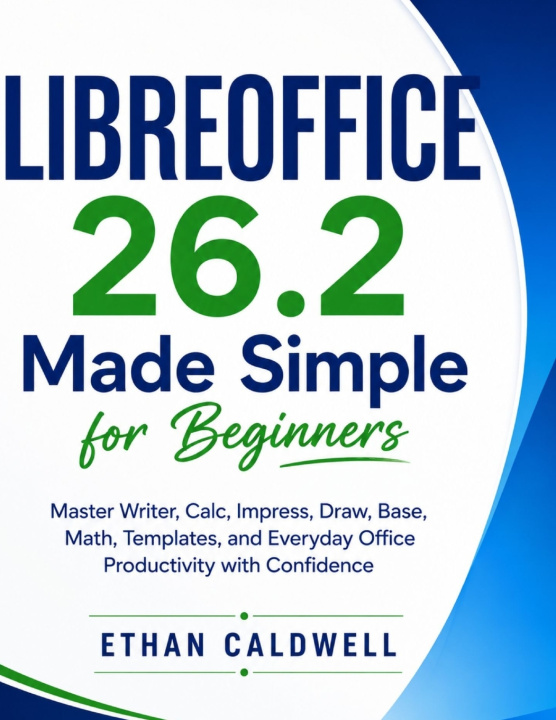
LIBREOFFICE 26.2 Made Simple for Beginners
Master Writer, Calc, Impress, Draw, Base, Math, Templates, and Everyday Office Productivity with Confidence
 Engleski
 46 b
46 b
 Pripremamo
 Novo
Novo
Do 30 dana za povrat

Getting started with LibreOffice 26.2 does not have to involve navigating complicated menus or memorizing unfamiliar commands. LibreOffice 26.2 Made Simple for Beginners provides a practical, step-by-step introduction to the essential tools and workflows needed to create, edit, organize, and manage everyday documents.
This guide walks beginners through the LibreOffice environment with clear explanations designed for readers who want practical results without unnecessary technical terminology.
Inside, you'll learn how to:
• Navigate the LibreOffice 26.2 interface, toolbars, menus, and essential settings
• Create, format, save, and organize documents in Writer
• Build structured spreadsheets, enter data, apply formulas, and manage worksheets in Calc
• Design presentations, arrange slides, and work with text and visual elements in Impress
• Format paragraphs, tables, pages, headings, and other document elements
• Open, edit, save, and export files using commonly used document formats
• Customize LibreOffice settings to create a more efficient working environment
• Use practical shortcuts and built-in features to complete routine tasks more efficiently
• Manage printing, PDF export, and document-sharing workflows
Whether you are preparing documents, working with spreadsheets, or creating presentations, this guide provides a straightforward foundation for using LibreOffice 26.2 with greater confidence.
Start learning LibreOffice 26.2 today and turn essential office tasks into clear, manageable workflows.


Informacije o knjizi
Engleski

Poklonite ovu knjigu još danas
To je jednostavno
1 Dodajte knjigu u košaricu i odaberite isporuku kao poklon 2 Zauzvrat ćemo vam poslati kupon 3 Knjiga dolazi na adresu poklonoprimcaDobar dan! Ja sam Libroamiko, vaš književni savjetnik.
Kako vam mogu pomoći?