
 Kontakt
 Kako kupovati
Dostava
Savjetnik za kupnju
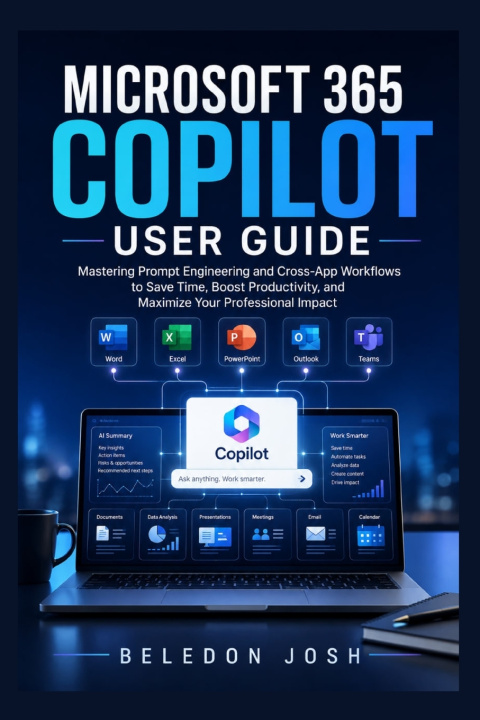
Microsoft 365 Copilot User Guide
Mastering Prompt Engineering and Cross-App Workflows to Save Time, Boost Productivity, and Maximize Your Professional Impact
 Engleski
 57 b
57 b
 Pripremamo
 Novo
Novo
Do 30 dana za povrat

Microsoft 365 Copilot User Guide
Work Smarter. Prompt Better. Get More Done with Microsoft 365 Copilot.
What if your everyday Microsoft 365 tasks could take less time, require less repetitive effort, and leave you more room to focus on the work that truly matters?
Microsoft 365 Copilot User Guide is a practical, beginner-friendly resource designed to help professionals, business owners, students, educators, and everyday Microsoft 365 users understand how to work more effectively with AI across their favorite Microsoft applications.
Rather than treating Copilot as just another software feature, this guide shows you how to approach AI as a productivity partner. You'll learn how to write better prompts, improve everyday workflows, organize information, create content, analyze data, and turn ideas into polished work more efficiently.
Inside, you'll discover practical strategies for using Copilot across applications such as Word, Excel, PowerPoint, Outlook, and Teams, helping you move from simple experimentation to more purposeful, productive AI-assisted work.
Inside This Guide, You'll Learn How To:Understand what Microsoft 365 Copilot can do and how it fits into modern workflows
Create clearer, more effective prompts that produce useful results
Use Copilot to draft, rewrite, summarize, and improve documents in Word
Work with data, formulas, insights, and analysis in Excel
Transform ideas and information into professional presentations with PowerPoint
Manage emails, summarize conversations, and improve communication with Outlook
Recap meetings, identify important information, and streamline collaboration in Teams
Build repeatable AI-assisted workflows that reduce unnecessary manual work
Provide Copilot with better context, instructions, and desired outcomes
Improve productivity without losing your own judgment, creativity, and oversight
Approach AI-assisted work with greater awareness of accuracy, privacy, and responsible use
You don't need to be an AI expert to start benefiting from Copilot. What matters is knowing what to ask, how to ask it, and how to turn the results into useful work.
This guide focuses on practical application rather than unnecessary technical complexity. Whether you are discovering Copilot for the first time or want to become more confident using it across Microsoft 365, the lessons and strategies inside can help you build more efficient habits and get greater value from your existing tools.
Imagine spending less time staring at a blank document, sorting through lengthy messages, manually organizing information, or starting presentations from scratch-and more time making decisions, solving problems, communicating ideas, and moving important projects forward.
Microsoft 365 Copilot User Guide gives you a practical starting point for doing exactly that.
Take Your Microsoft 365 Skills to the Next LevelAI is changing how modern professionals work. The advantage belongs to those who learn how to use these tools thoughtfully and effectively.
Stop merely keeping up with your workload. Learn how to work smarter with Microsoft 365 Copilot.
Get your copy of Microsoft 365 Copilot User Guide today and start turning your everyday Microsoft 365 tasks into smarter, faster, and more productive workflows.


Informacije o knjizi
Engleski
