
 Kontakt
 Kako kupovati
Dostava
Savjetnik za kupnju
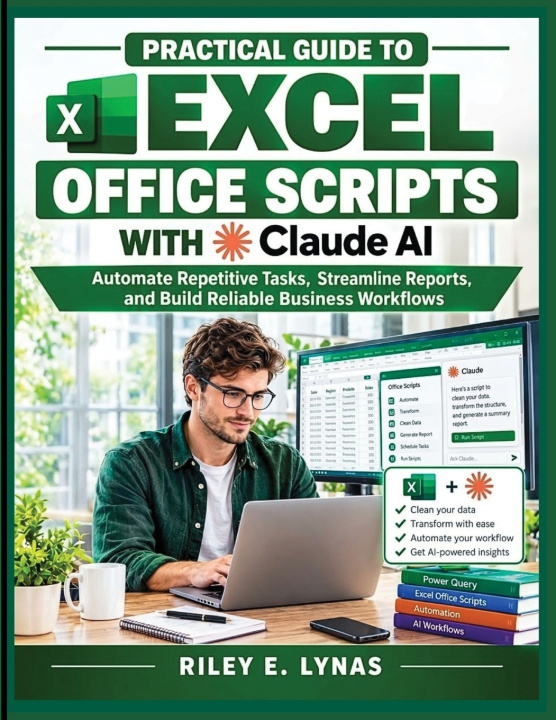
Practical Guide to Excel Office Scripts with Claude AI
Automate Repetitive Tasks, Streamline Reports, and Build Reliable Business Workflows
 Engleski
 70 b
70 b
 Novo
Novo
Do 30 dana za povrat

What if your weekly Excel reports could prepare themselves? What if you could clean messy data, format spreadsheets, and automate repetitive tasks in minutes instead of hours?
This practical guide shows you how to combine Excel Office Scripts and Claude AI to transform time-consuming spreadsheet tasks into reliable, repeatable business workflows.
Whether you prepare reports, analyze data, manage operations, or simply want to work smarter in Excel, you will discover how to automate routine tasks and spend more time on meaningful work.
WHAT YOU WILL LEARN
• Understand Office Scripts and how they differ from traditional Excel macros and VBA.
• Use the Automate tab, Action Recorder, and Code Editor to create and customize scripts.
• Work with Claude AI to generate scripts, explain code, troubleshoot errors, and improve automation.
• Clean, organize, and standardize spreadsheet data automatically.
• Automate formatting, worksheet consolidation, summaries, and report preparation.
• Build reusable scripts that improve consistency and reduce manual errors.
• Combine Office Scripts with Power Automate to create more efficient workflows.
• Test AI-generated code, protect sensitive information, and develop safer automation practices.
PRACTICAL AUTOMATION FOR REAL BUSINESS NEEDS
Have you ever repeated the same Excel process every Monday and wondered why you were still doing it manually?
This book helps you identify tasks worth automating and turn them into structured workflows. Through practical explanations and realistic business scenarios, you will learn not just how to create scripts, but also how to understand, test, and adapt them to your needs.
You will discover how to use Claude AI as a collaborative assistant that helps translate plain-language instructions into useful code, explain unfamiliar concepts, and troubleshoot problems along the way.
WHO IS THIS BOOK FOR?
This guide is ideal for:
• Business professionals who prepare recurring reports.
• Financial and data analysts who regularly clean and restructure spreadsheets.
• Accountants, managers, and operations teams seeking greater efficiency.
• Excel users ready to move beyond formulas and manual processes.
• Beginners interested in automation without extensive programming experience.
• Experienced users who want to incorporate AI into their Excel workflows.
No advanced programming background is required. The guide builds your understanding step by step, making Office Scripts and AI-assisted automation more approachable.
BUILD SKILLS YOU CAN USE EVERY DAY
AI can accelerate script creation, but reliable automation requires more than generating code. You will learn why clear instructions, careful testing, and human review matter when working with important business data.
By the end, you will have a practical foundation for creating repeatable Excel workflows, reducing unnecessary manual work, and improving the consistency of your reports.
Ready to stop repeating the same spreadsheet tasks and start automating them?
Discover how Excel Office Scripts and Claude AI can help you work more efficiently, simplify reporting, and build smarter business workflows.


Informacije o knjizi
Engleski

Poklonite ovu knjigu još danas
To je jednostavno
1 Dodajte knjigu u košaricu i odaberite isporuku kao poklon 2 Zauzvrat ćemo vam poslati kupon 3 Knjiga dolazi na adresu poklonoprimcaDobar dan! Ja sam Libroamiko, vaš književni savjetnik.
Kako vam mogu pomoći?